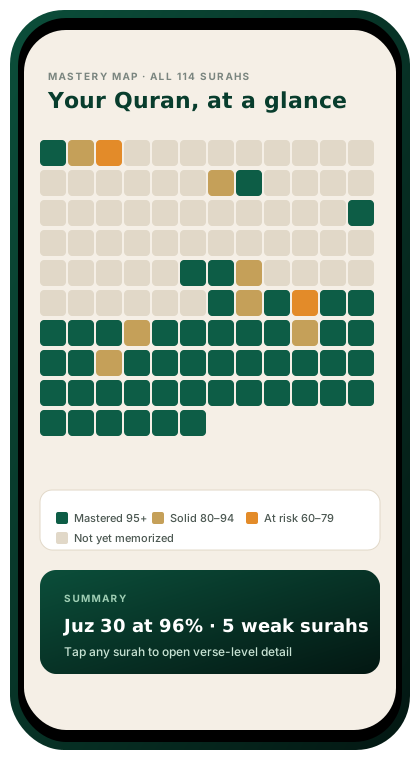
TL;DR: The Heat Map shows your entire mushaf as a color grid — green for strong recall, amber for fading, red for overdue. One glance tells you exactly where your hifz is weakest without scrolling through 604 pages.
How it works
Every page of the Quran is represented as a single cell in a 30×~20 grid (one row per juz). The cell’s color reflects your retention score for that page:
- Green (80–100): strong recall — last reviewed recently, high accuracy.
- Amber (50–79): fading — due for revision within the next few days.
- Red (below 50): overdue — recall has degraded significantly.
- Gray: not yet memorized.
Tap any cell to jump directly to that page in revision mode.
Why a visual map matters
Humans process spatial patterns faster than lists. A table of 604 retention scores is overwhelming; a heat map makes the weak zones obvious instantly. Most users identify their “trouble juz” within 3 seconds of seeing the map for the first time.
Patterns the map reveals
- “The neglected middle” — juz 10–20 often glow red because memorizers revise the beginning and end of the Quran more frequently.
- Post-exam decay — students who paused for exams see a red band exactly where the pause fell.
- Recency bias — the most recently memorized juz is always green; the question is whether the ones before it are too.
Weekly snapshot
Every Sunday, HafizPrime saves a snapshot of your heat map. Over months you can animate the change — watching red turn to amber turn to green is one of the most motivating views in the app.
In the app
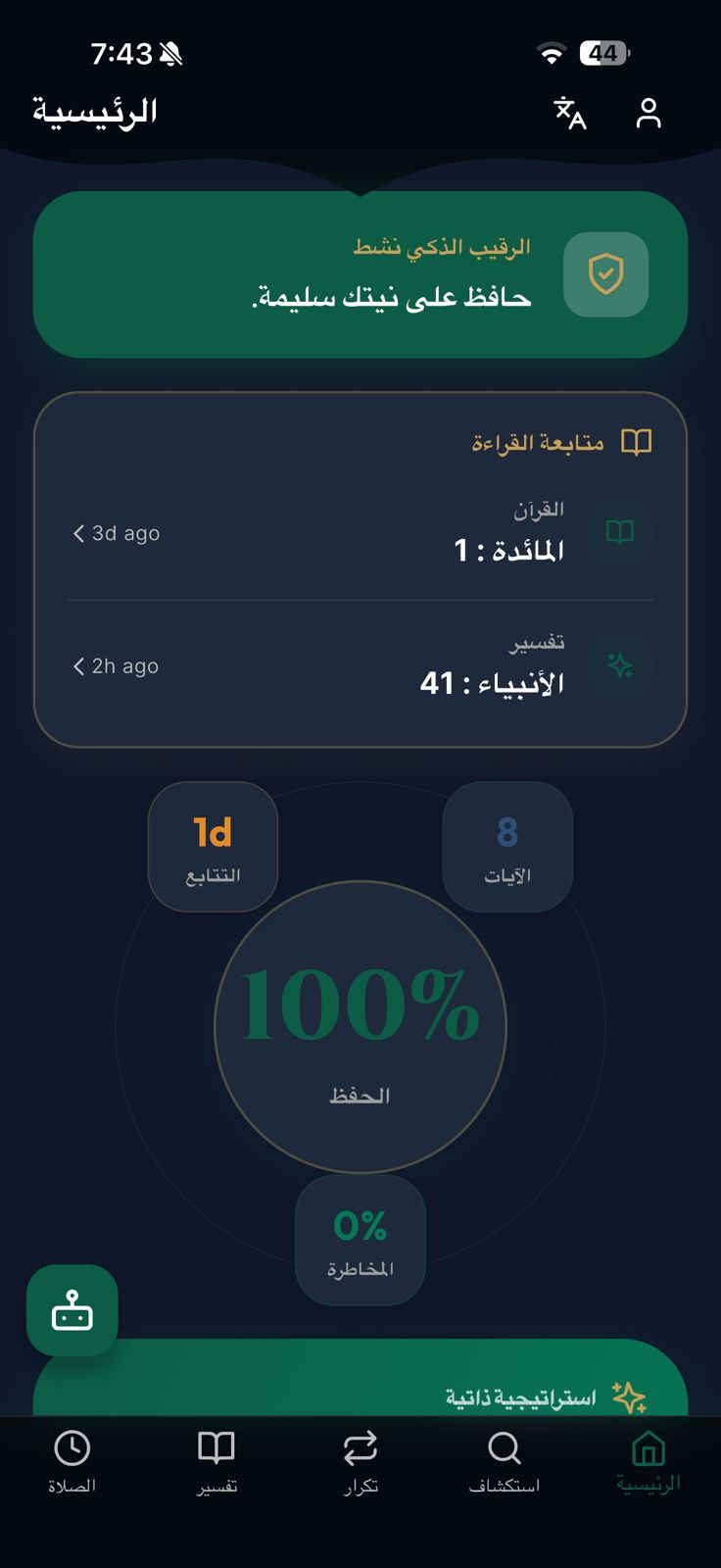
Home → Heat Map tab. Pinch to zoom into individual pages. Long-press a cell for the detailed retention breakdown (last reviewed, accuracy, next scheduled review).

