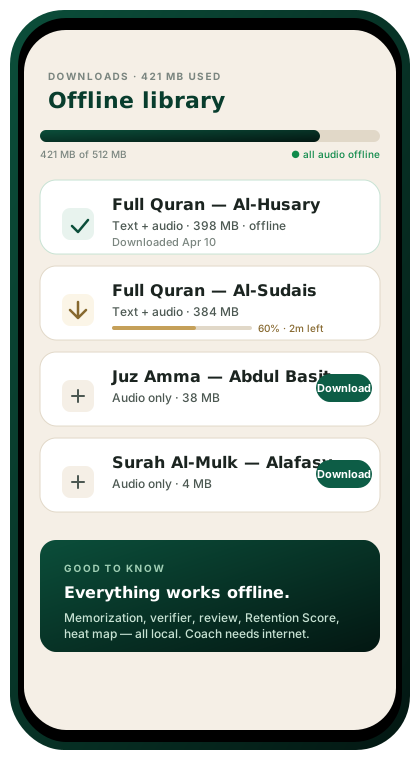
What works offline
Once you download, these features keep working without internet:
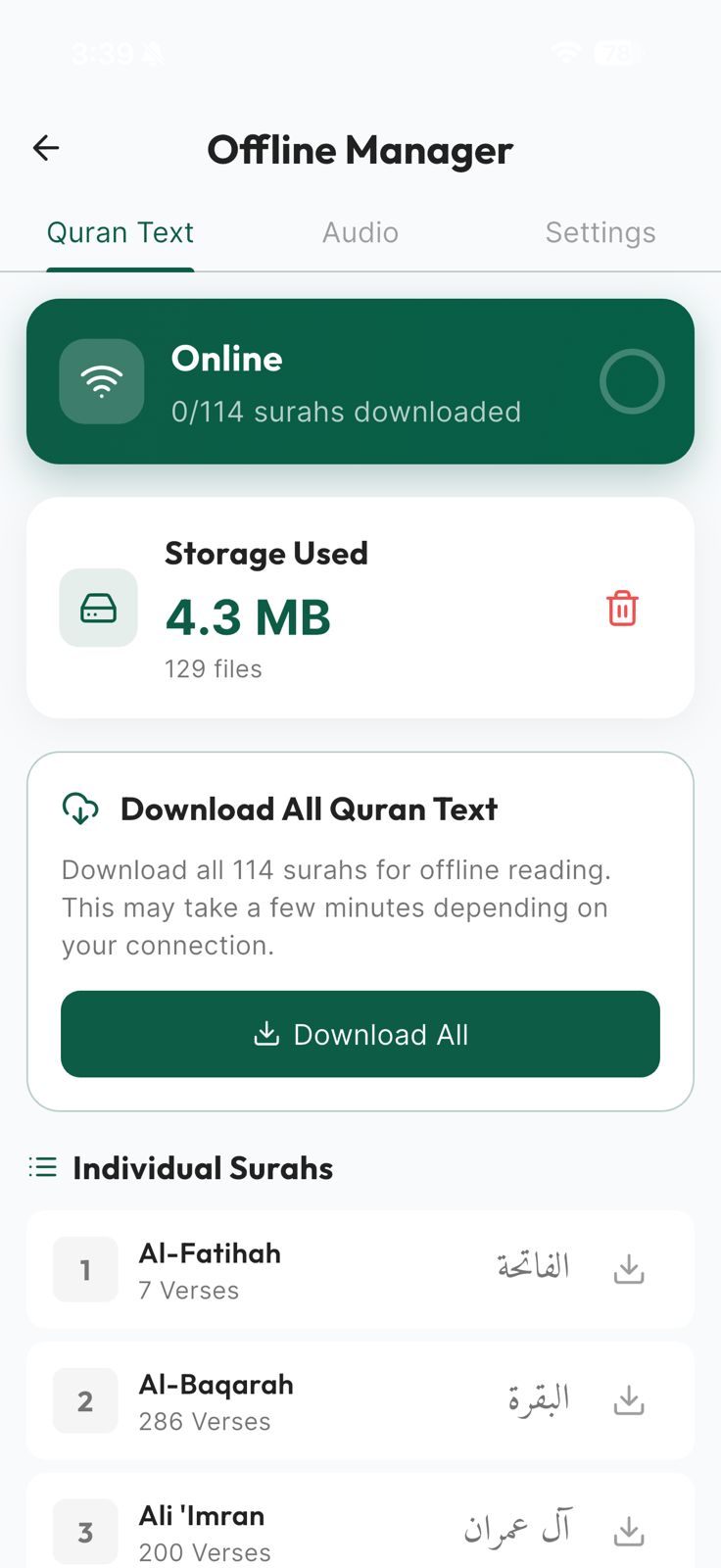
- Full Quran text (all 114 surahs)
- Audio from your chosen reciter
- Tajweed highlighting
- Transliteration and your selected translations
- Memorization review schedule
- Recitation verifier (on-device speech recognition where supported)
- Retention Score (local calculation)
- Notes and bookmarks
What needs internet
- AI Quran Coach chat (Gemini requires the cloud)
- Cross-device sync
- Reciter browsing and new downloads
- Community features (leaderboards, study groups)
- Push notifications and prayer-time updates for your new city
Storage footprint
| Component | Approx. size |
|---|---|
| App binary (iOS/Android) | 80 MB |
| Full Quran text (all translations + tafsir summaries) | 60 MB |
| One reciter, full Quran, compressed audio | 400 MB |
| Additional reciters | ~300 MB each |
Default install is text-only + app; you opt in to which audio packs to download. Manage from Settings → Downloads.
Sync handling
HafizPrime uses last-write-wins per field, with conflict warnings when two devices disagree significantly on a verse’s state. You’ll always see what changed before it’s applied.
Battery & data
- Background audio keeps playing when the phone is locked.
- No silent data pulls when offline — zero bandwidth until you reconnect.
- Battery draw during a 30-minute review session: typically under 5%.
Travel tip
Before a flight or a long commute, open Settings → Downloads → Download today’s review. HafizPrime pre-fetches only the verses you’ll review that day to save space.

